


BIOS
Customization Services
BIOS
Customization Services
Tailored BIOS solutions to meet your unique hardware and system requirements.
Remote Services & Support
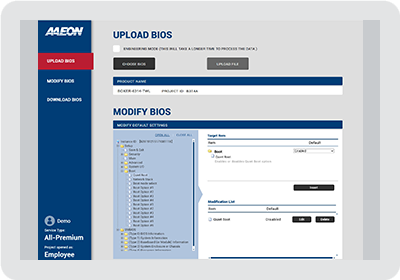
BIOX
Get your customized BIOS in minutes. Adjust BIOS defaults and boot options yourself in BIOX — no request form, no engineering queue, no waiting.
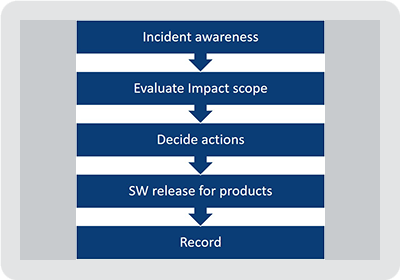
Security Advisory
Stay protected, stay current. As long as a product remains active, critical and major issues are addressed with timely BIOS updates, while lower-severity fixes are rolled into our BIOS Biennial Update.
OTA
Update BIOS without touching the hardware. Industry-standard over-the-air BIOS update support for ODM and custom deployment scenarios — ideal for fleets deployed in the field.
Redfish
Standardized remote management. Out-of-band management is available via BMC/IPMI and Intel AMT on select platforms, with DMTF Redfish among the interfaces we support. Contact your AAEON sales representative to confirm which interfaces are available on your platform.
BIOS-Level Features
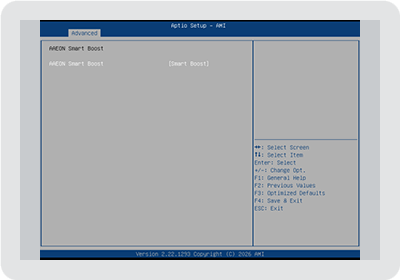
Smart Boost
Squeeze out every bit of performance. Automatically tunes your system to the highest performance your thermal design allows — up to 30% higher CPU Mark benchmark scores, with zero manual tuning.
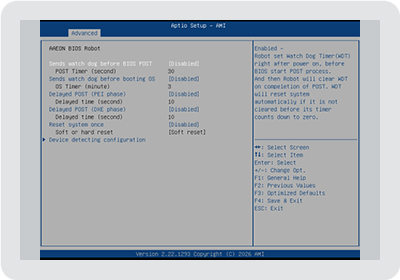
BIOS Robot
Keeps embedded systems running unattended. Configurable watchdog timers and automatic recovery reboots keep your system online even when things go wrong.
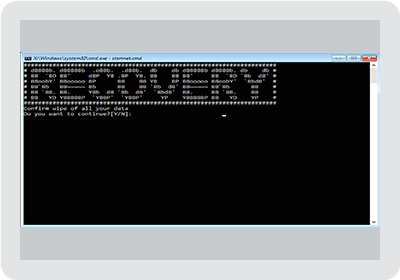
OS Recovery Hotkey
A shortcut straight to OS recovery. Press a dedicated key combination to boot directly into the OS recovery image, with the target recovery partition GUID configurable right from the BIOS menu.
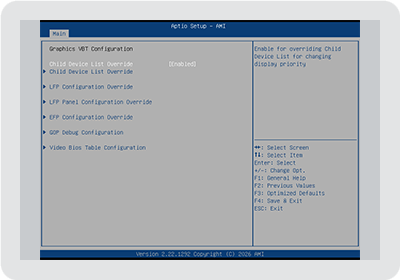
Advanced Display
Tune your display without another customization request. Building your own COM Express carrier board? Adjust DDI port assignment yourself, or set LVDS panel parameters directly — no waiting on a BIOS revision.

Fast Boot
Get your system up and running in seconds. Boot-time optimization is standard practice across every AAEON platform we build — with select platforms achieving boot times as fast as 4.3 seconds.
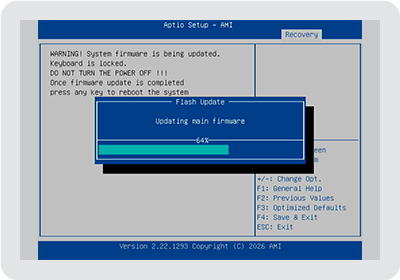
BIOS Recovery
Update with confidence. A built-in recovery mechanism restores your system automatically if a BIOS update is ever interrupted, keeping downtime and RMA risk to a minimum.
OS-Level Tools
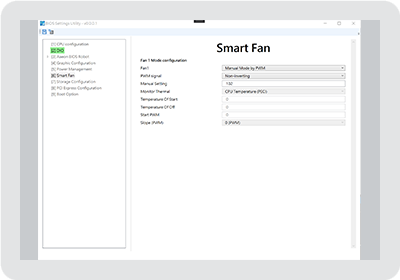
OS BIOS Setup Tools
Configure BIOS without rebooting. Adjust BIOS settings directly from within Windows using AAEON's BIOS Settings Utility — no reboot into setup required.
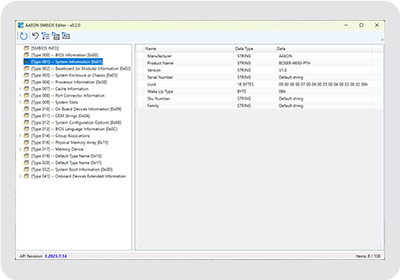
SMBIOS Editor
Make it yours. A GUI utility for writing custom system information directly into SMBIOS (3.0+), so manufacturers can brand and identify their systems with ease.
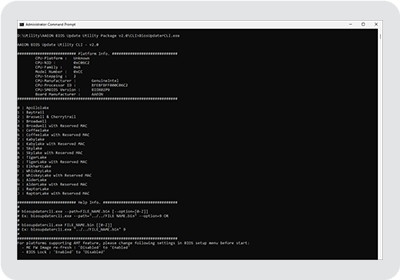
BIOS Update Utility
Flash BIOS the easy way. A command-line tool for updating BIOS quickly and reliably across AAEON platforms, without booting into DOS or a UEFI shell.
Need a BIOS built around your product?
Contact your nearest AAEON sales representative
to discuss your requirements.





close
We’re just a message away! Let us help with your needs.
Get a Quote